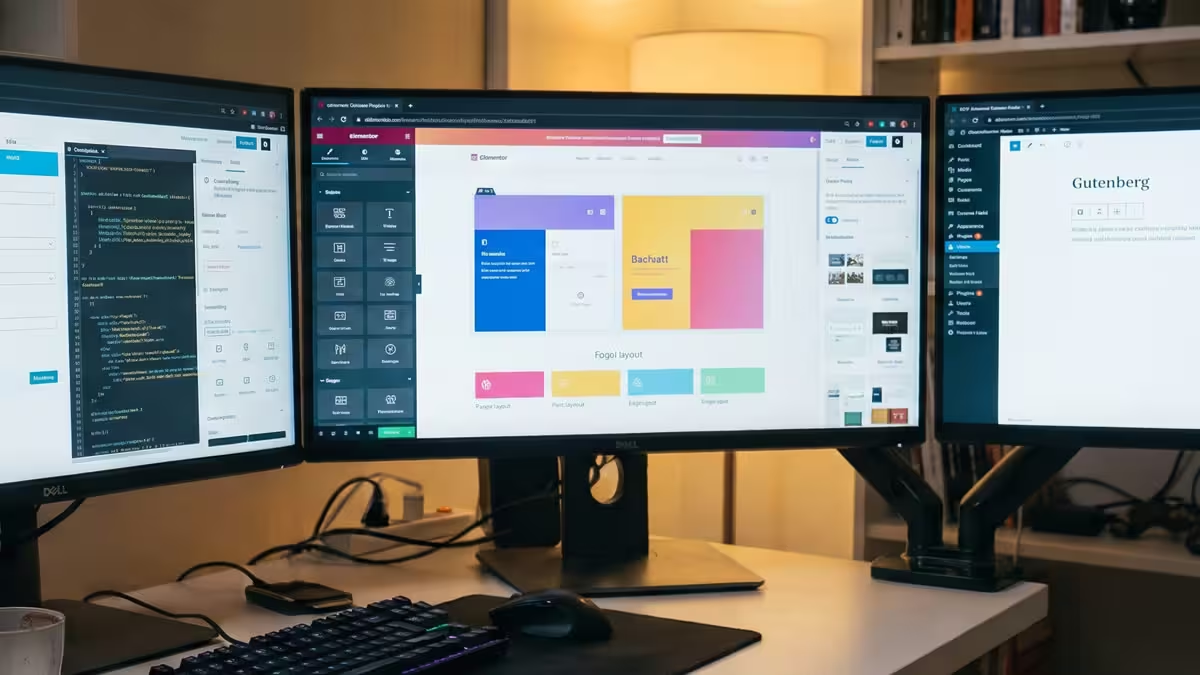
 acf-gutenberg-elementor-wtc
Every WordPress developer hits the same question sooner or later: should I learn ACF, Gutenberg or Elementor? Forums treat it like a rivalry, and the answers usually depend on which one the person answering already uses.
The more useful answer is that they aren’t three versions of the same thing. They work at different layers and suit different people, and on real projects they’re often combined. Once you see what each one is for, the questions of what to learn first and which to use on a project mostly answer themselves.
What each one is
The biggest difference is who builds the page: the developer, the editor, or both.
| Tool | What it is | Who shapes the page |
|---|---|---|
| ACF | A plugin for custom fields. You decide what content a page holds and write the PHP templates that display it. | The developer builds the layouts; editors fill in fields and arrange the sections you allow. |
| Gutenberg | The block editor built into WordPress core. Content is made of blocks, and block themes extend it to headers, footers and templates. | Shared: developers build blocks, patterns and styles; editors write and lay out with them. |
| Elementor | A visual page-builder plugin. Pages are designed by dragging elements onto a live canvas. | Mostly the person in the editor, often a designer or the client. |
All three run on the same WordPress underneath: the template hierarchy, hooks, PHP and the database. That’s why learning one never wastes the time you spent on another.
When to use ACF
ACF suits sites where the content has a shape: team members with a photo and role, properties with a price and floor plan, landing pages built from a fixed set of sections.
- Editors fill, they don’t design. The design stays consistent because editors pick from layouts you built, not from a blank canvas.
- Performance is in your hands. ACF adds the fields; the markup, CSS and JavaScript are all yours, so a page loads only what you wrote.
- Structured data travels. The same fields can feed templates, a REST or GraphQL API, or a headless frontend.
The trade-off is that a new kind of section needs a developer, unless the theme already provides it. A custom theme framework that ships with a library of ready-made sections and design controls covers most pages from day one: editors build new pages from what’s there, and a developer is only needed for something genuinely new. Flexible Content, Repeater and ACF Blocks need ACF PRO.
When to use Gutenberg
Gutenberg suits sites where editors write and arrange a lot of content: blogs, news, documentation and marketing sites with many pages.
- It’s already there. Every WordPress site has it, with no plugin to license or keep up to date.
- It’s where WordPress is going. The project is in its third phase, focused on collaboration, which began with WordPress 7.0 in May 2026. New features land in the block editor first.
- You can set the limits. Patterns, locked templates and
theme.jsonlet you decide which colors, sizes and blocks editors get.
The trade-off is the learning curve for custom blocks. Native blocks are built in JavaScript and React, which is a different skill set from PHP theme work.
When to use Elementor
Elementor suits projects where the person editing wants to design: a marketing team launching landing pages every week, or a client who wants to move things around without calling a developer.
- Visual and fast. What you see in the editor is the page, and non-developers can build complete layouts.
- A large ecosystem. Templates, add-ons and plenty of people who already know it.
- A new foundation. Elementor 4.0’s Atomic Editor is now the default for new sites. It outputs a single wrapper per element instead of nested ones, and adds Variables, Classes and Components for a reusable design system.
The trade-offs are a plugin dependency and design freedom that’s easy to misuse. Pages are stored in Elementor’s own format, so moving away later means rebuilding them, and a fast Elementor site still depends on how carefully it’s built.
You can combine them
On real projects, the question is often which mix to use, not which single tool:
- ACF and Gutenberg: ACF Blocks give editors the block editor and give you PHP templates and structured fields. This is a common setup for custom themes.
- ACF and Elementor: Elementor Pro’s dynamic tags can show ACF fields, so structured content such as a property’s price can drop into a visually designed template.
- Gutenberg everywhere: even on an ACF or Elementor site, blog posts are usually still written in the block editor.
What to learn, and in what order
If you’re starting out, this order builds each skill on the last:
- WordPress fundamentals. PHP, the template hierarchy, hooks and enqueueing. All three tools sit on top of these, and they’re what you’ll fall back on when something breaks.
- The block editor. Every site has it, so learn how blocks, patterns and
theme.jsonwork, even if you never build a native block. - ACF. Custom fields, Flexible Content, then ACF Blocks. This is the quickest route from PHP templates to custom blocks.
- Elementor, if your market uses it. If you work with small businesses or agencies that build on it, learn enough to build with it and maintain it well, and learn the Atomic Editor rather than older tutorials.
- React for native blocks, when you need blocks that ACF can’t build. This is Dark Roast territory.
Match it to the work you want
| If you want to | Focus on |
|---|---|
| Build custom themes for agencies or larger clients | PHP, ACF and the block editor |
| Freelance for small businesses that edit their own pages | Elementor and the block editor, with enough PHP to fix what breaks |
| Build plugins or work on WordPress products | The block editor in depth, including React |
| Build headless sites | ACF, WPGraphQL and a JavaScript framework |
Before you ship
Before you pick a tool for a project, answer these:
- Who will edit the pages after launch, and do they want to design or just update content?
- How strict does the design need to stay across pages?
- Does the content have a fixed shape, such as products, people or listings?
- Who maintains the site in two years, and which tools do they know?
- How fast does it need to be, and who is responsible for keeping it that way?
Pick the tool for the person who edits the page, not the person who builds it. The house rule